.png)
.png)


 (Custom).png)
.png)
The Creator’s Guide to Storage and Memory: Powering Creativity with Kingston and Chillblast Spark Workstations
October 30, 2025
When you’re deep in the flow of editing, designing or producing music, the last thing you want is your computer slowing you down. Maybe it’s lag during playback, files taking forever to open, or renders that just won’t finish. Sound familiar?
If you’ve ever wondered why this happens, or what you can do about it, you’re not alone. Many creators know their way around Photoshop, Premiere Pro, Blender or Ableton Live far better than they know their own hardware. But when it comes to smooth, reliable performance, your PC’s storage and memory (RAM) are just as important as your processor or graphics card.
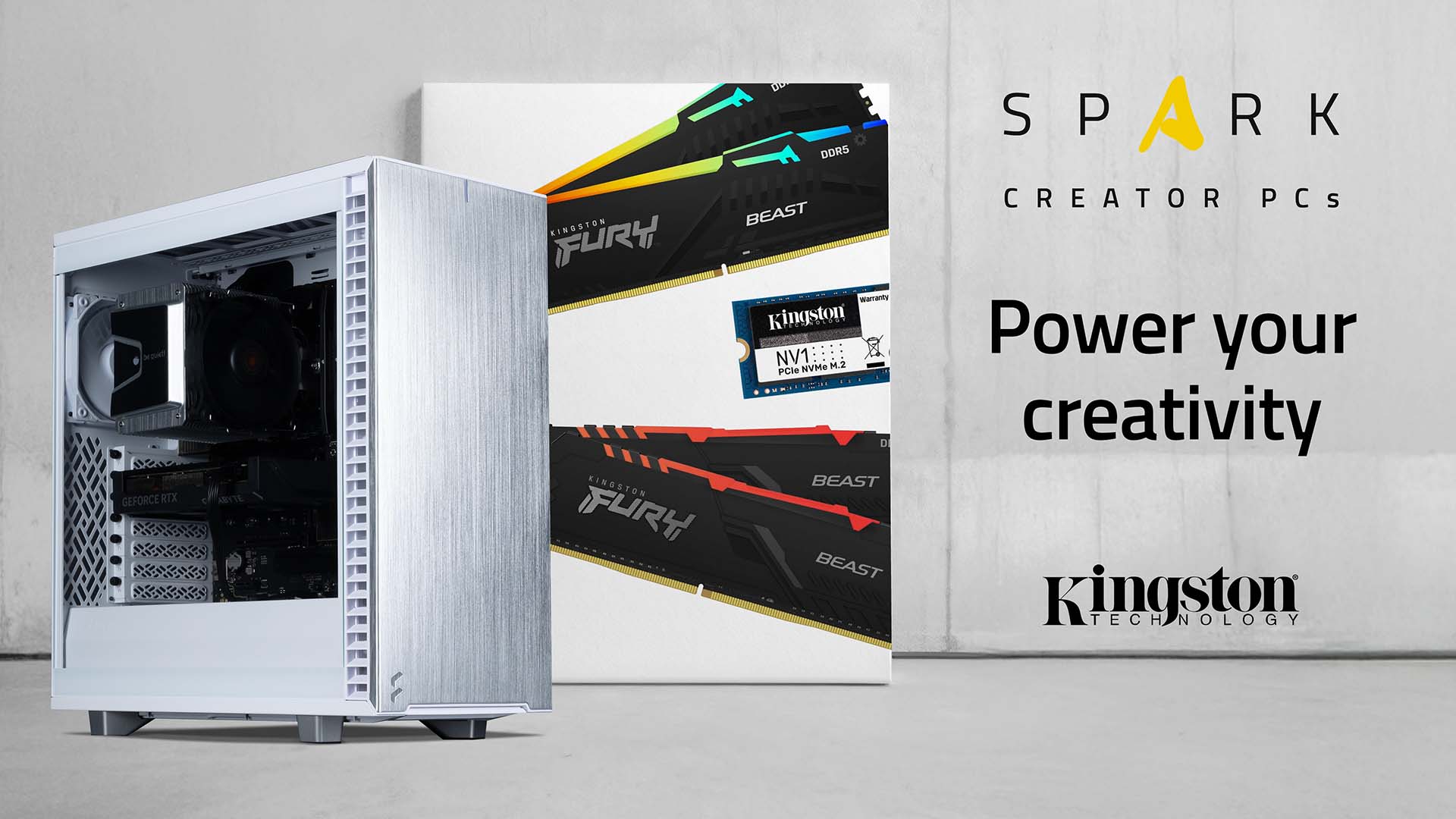
That’s why at Chillblast, we’ve built the Spark range, a family of workstations designed specifically for creators. Each Spark system uses Kingston’s high-performance SSDs and FURY Beast DDR5 memory to deliver the speed, stability and dependability that creative work demands. Whether you’re a video editor, 3D designer, photographer or music producer, this guide will help you understand what you really need and why the right setup makes such a difference.
What Storage Actually Does (and Why It Matters)
Think of your computer’s storage as its long-term memory. It’s where all your files, software and projects live. Every time you open something, your PC fetches that data from storage, and the faster your drive is, the smoother everything feels.
For years, hard drives (HDDs) were the standard. They store lots of data cheaply, but because they rely on spinning disks and mechanical arms, they’re slow. When you’re working on large creative files such as multi-gigabyte video timelines, high-resolution photos or complex 3D models, this can cause long load times and sluggish performance.
Modern systems now use Solid State Drives (SSDs), which have no moving parts. Instead, they use flash memory, allowing your system to access data almost instantly. The difference is dramatic: software loads faster, files open instantly and exports finish in a fraction of the time.
If you’re a creator, SSDs aren’t a luxury; they’re essential. They make your workflow smoother and help you stay focused on creating, not waiting.
The Power of NVMe PCIe 4.0 SSDs
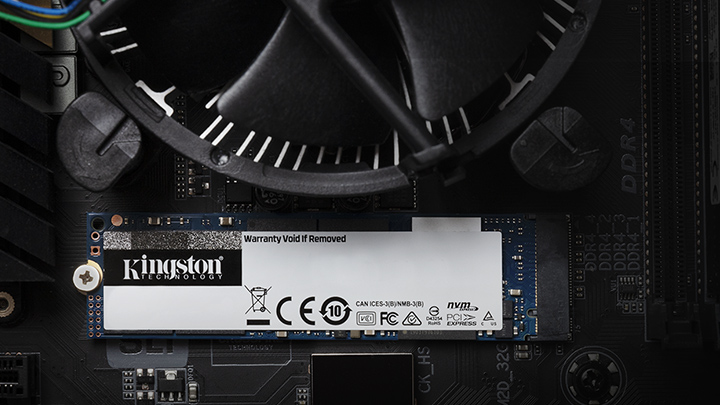
Not all SSDs are equal. Traditional SATA SSDs are fast, but newer NVMe PCIe 4.0 drives are much faster. NVMe stands for “Non-Volatile Memory Express”, a fancy way of saying they connect directly to your motherboard for maximum speed.
An NVMe SSD can read and write data several times faster than a SATA SSD and up to ten times faster than a hard drive. For creators, that means:
- Quicker file transfers and exports
- Smoother video playback and scrubbing in editing software
- Faster boot times and project loads
- Less waiting, more creating
Two great examples of Kingston’s NVMe drives are:
- Kingston NV3 M.2 2280: Perfect for everyday creative tasks, offering excellent speed and value. It’s ideal for storing and editing projects like photo libraries, music tracks or light video work.
- Kingston KC3000 NVMe PCIe 4.0: Built for professionals who push their systems hard. It handles massive 4K footage, complex 3D scenes and large-scale design projects effortlessly, with blazing-fast speeds and reliability.
Many creators notice the difference immediately after upgrading to NVMe storage. Projects load in seconds, and renders feel smoother than ever before.
What RAM Does (and Why You Need More Than You Think)
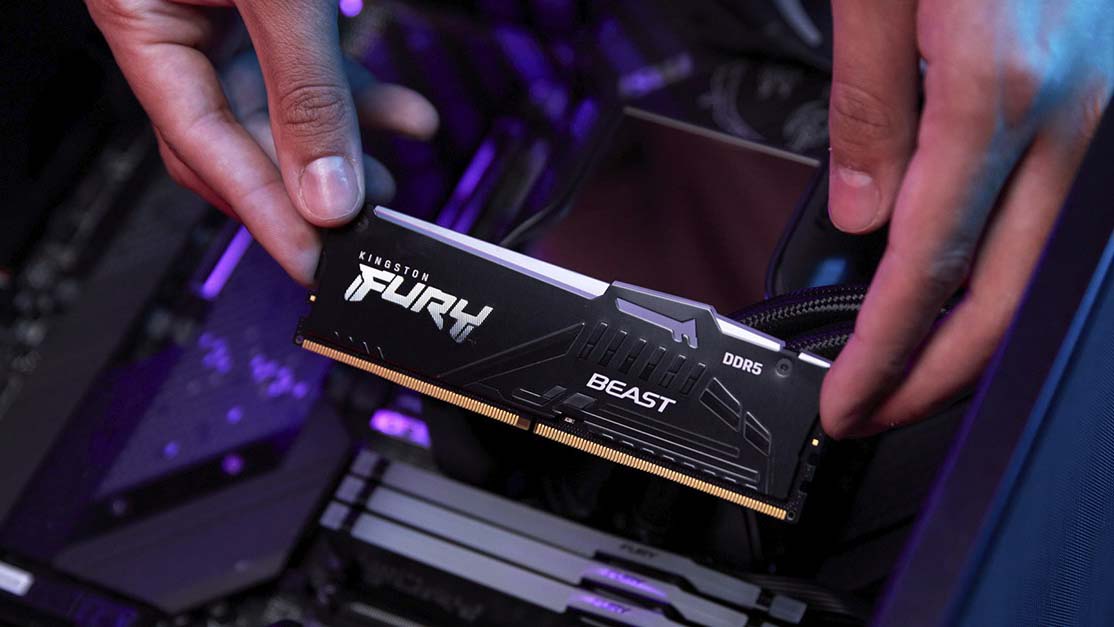
If your SSD is your PC’s long-term memory, RAM (Random Access Memory) is its short-term memory where your computer keeps everything it’s actively working on.
Every time you open a file, launch an app or switch between tasks, that data is stored temporarily in RAM. The more RAM you have, the more your system can handle at once without slowing down.
Here’s how much you should aim for:
16 GB: Enough for lighter work like basic photo editing or small design projects.
32 GB: The sweet spot for most creators. Perfect for editing 4K video, managing large photo libraries, producing music, or working in multiple programs at once.
64 GB or higher: For professional 3D artists, animators, or video editors dealing with complex, resource-hungry projects.
Every Chillblast Spark Workstation uses Kingston FURY Beast DDR5 memory, the latest generation of ultra-fast RAM. DDR5 offers greater bandwidth and improved efficiency compared to DDR4, which means quicker data handling and smoother multitasking.
And here’s a big advantage:
Every Spark Core PC includes at least 32 GB of DDR5 memory as standard, so your workstation is ready for serious creative performance straight out of the box.
No need to worry about your system freezing mid-render or stuttering when previewing your timeline. Kingston’s DDR5 memory keeps everything running seamlessly, even when you’ve got multiple demanding applications open.
Matching Your Setup to Your Creative Field
Different types of creative work put different demands on your hardware. Here’s a quick guide to help you match your storage and memory to your workflow:
Video Editors
Video editing software like Adobe Premiere Pro, DaVinci Resolve and After Effects loves fast storage.
You’ll want an NVMe SSD for your OS and project files, plus another drive (SSD or HDD) for storing your footage and exports.
- Storage: NVMe SSD (1–2 TB for projects) + large HDD for footage
- RAM: 32–64 GB recommended
3D Designers and Animators
Working with large models and renders in Blender, Maya or Unreal Engine requires serious performance.
- Storage: NVMe SSD for assets and cache files
- RAM: 64 GB or more for simulations, rendering and multitasking
Music Producers
When producing music in Logic Pro, FL Studio or Ableton Live, low latency and fast storage make a huge difference.
- Storage: SSD for DAW and sample libraries
- RAM: 32 GB for large projects with multiple plug-ins and tracks
Photographers
Editing large RAW files in Lightroom or Photoshop demands speed when loading and exporting images.
- Storage: NVMe SSD for your working catalogues, plus an HDD for backups and archives
- RAM: 32 GB for smooth editing and batch exports
Even if you’re just editing photos or podcasts, investing in fast SSD storage and enough RAM will make your whole experience more fluid and enjoyable.
Why Kingston is the Perfect Fit for Creators
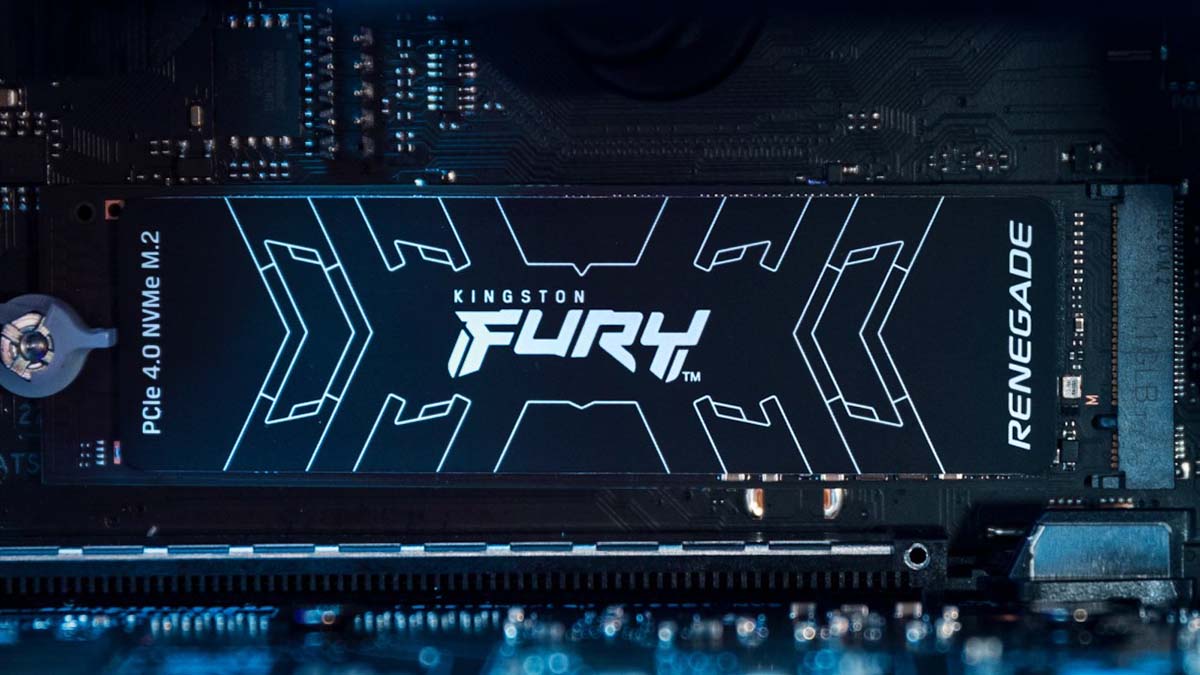
Kingston has built a global reputation for reliability and performance. Their SSDs and memory modules are 100% factory-tested before they leave the factory, ensuring that every component delivers consistent speed and stability.
Here’s why creators trust Kingston:
Proven reliability: Components designed for demanding workloads.
Consistent performance: Smooth, stable operation during long editing or rendering sessions.
Trusted worldwide: Used by creative professionals, studios and system builders globally.
Lifetime warranty and support: Peace of mind that your system is built to last.
“Kingston’s SSDs and memory deliver the stability, speed, and performance creators can trust — and every Chillblast Spark Workstation includes Kingston components for exactly that reason.”
When your work depends on your PC, having dependable hardware isn’t just nice, it’s essential.
The Spark Advantage: Purpose-Built PCs for Every Creator

Every creator works differently, and the Chillblast Spark range has been designed with that in mind. Each workstation is tailored to specific creative fields, combining Kingston’s fast NVMe SSDs and FURY Beast DDR5 memory to give you a system that feels instantly responsive and reliable.
For Photographers
- Spark Image Core Workstation: Perfect for Lightroom and Photoshop users who want smooth editing and quick exports.
- Spark Image Pro Workstation: Ideal for professionals handling large RAW catalogues and multi-layer composites.
For Video Editors
- Spark Video Core Workstation: Designed for seamless 1080p and 4K editing.
- Spark Video Pro Workstation: Built for high-bitrate 4K and colour grading workflows.
For 3D Designers & Animators
- Spark 3D Core Workstation: Excellent for modelling and CAD work.
- Spark 3D Pro Workstation: Optimised for GPU rendering and simulation.
- Spark 3D Ultra Workstation: Maximum power for animation, visual effects and VR studios.
For Music Producers
- Spark Audio Workstation: Great for DAWs, recording and mixing.
- Spark Audio Pro Workstation: Adds more RAM and faster storage for larger sessions.
- Spark Audio Ultra Workstation: Studio-grade performance for mastering and professional production.
And the best part?
Every Spark system is fully customisable. Choose your creative focus, fine-tune your specifications, and enjoy Kingston-powered performance across the entire range. You can also add more SSD storage, increase your RAM, or include extra HDD space for backups and project archives.
Not sure which setup is right for you? No problem.
Our friendly team is here to help. Simply contact [email protected] and we’ll guide you through choosing the perfect workstation for your creative workflow.
Tips for Getting the Most from Your Storage Setup
To get the best performance and long-term value from your workstation:
- Use multiple drives.
- NVMe SSD: for your operating system and current projects.
- SATA SSD or HDD: for backups and archived files.
- External SSD: for portable projects and quick transfers.
- Plan ahead. Creative projects grow fast, and investing in larger or faster drives now can save you from frustrating slowdowns later.
- Keep your drives organised. Store active projects separately from completed ones to maintain speed and reliability.
And remember, Chillblast offers a range of upgrade options, so you can always expand your storage or memory later as your projects and ambitions grow.
Conclusion: Create Without Limits
The right combination of fast storage and ample DDR5 memory is the foundation of a smooth creative experience. Whether you’re editing, rendering or producing, these two components determine how quickly your ideas move from imagination to reality.
That’s why every Chillblast Spark Workstation is built with Kingston NVMe SSDs and FURY Beast DDR5 memory, giving you the speed, reliability and headroom to create without interruption.
So if you’re ready to upgrade your creative setup and finally say goodbye to lag, loading screens and slow exports, explore the Chillblast Spark range today. Choose your creative field, customise your build, and power your creativity with Kingston performance inside every Chillblast Spark Workstation, available now at Chillblast.
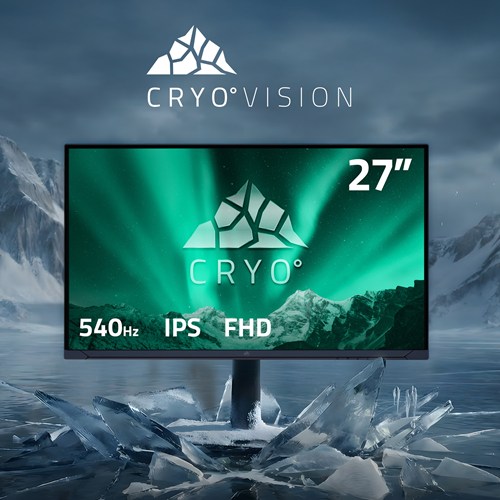
Feature Focus: Why a 27" monitor is the sweet spot for modern gaming
Choosing the right gaming monitor goes beyond specs—screen size directly impacts immersion, comfort, and performance. A 27" display strikes the perfect balance, offering sharp visuals, smooth gameplay, and ergonomic comfort without overwhelming your desk or eyes.

Forza Horizon 6: What Developer_Direct Revealed — And What It Means for PC Players
A new gameplay reveal for Forza Horizon 6 highlights its Japan-based open world, stunning visuals, and accessible design. The focus now shifts to how far Playground Games will push the series and how this will impact PC players.
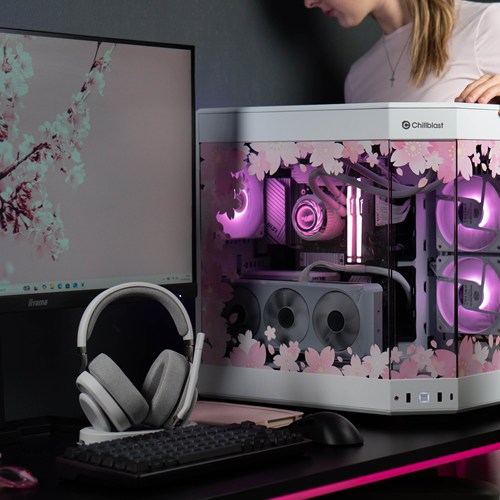
New year, new me, new PC. What Chillblast PC is best for your degree?
Whether tackling assignments or gaming after hours, your workspace should work as hard as you do. We now offer exclusive deals for students. Check out our guide on where to start when it comes to shopping for a PC for yiour degree.
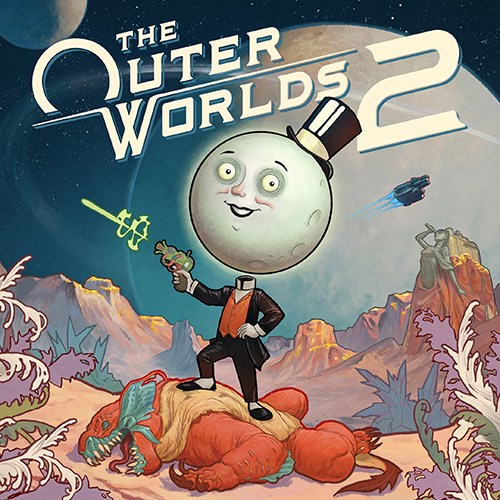
Get Ready for The Outer Worlds 2: PC Requirements, Features and Chillblast’s Top Picks
Discover The Outer Worlds 2’s PC specs, new features, and the best Chillblast gaming PCs to explore Arcadia in stunning detail.