.png)
.png)



 (Custom).png)
.png)
Feature Focus: Why a 27" monitor is the sweet spot for modern gaming
February 18, 2026
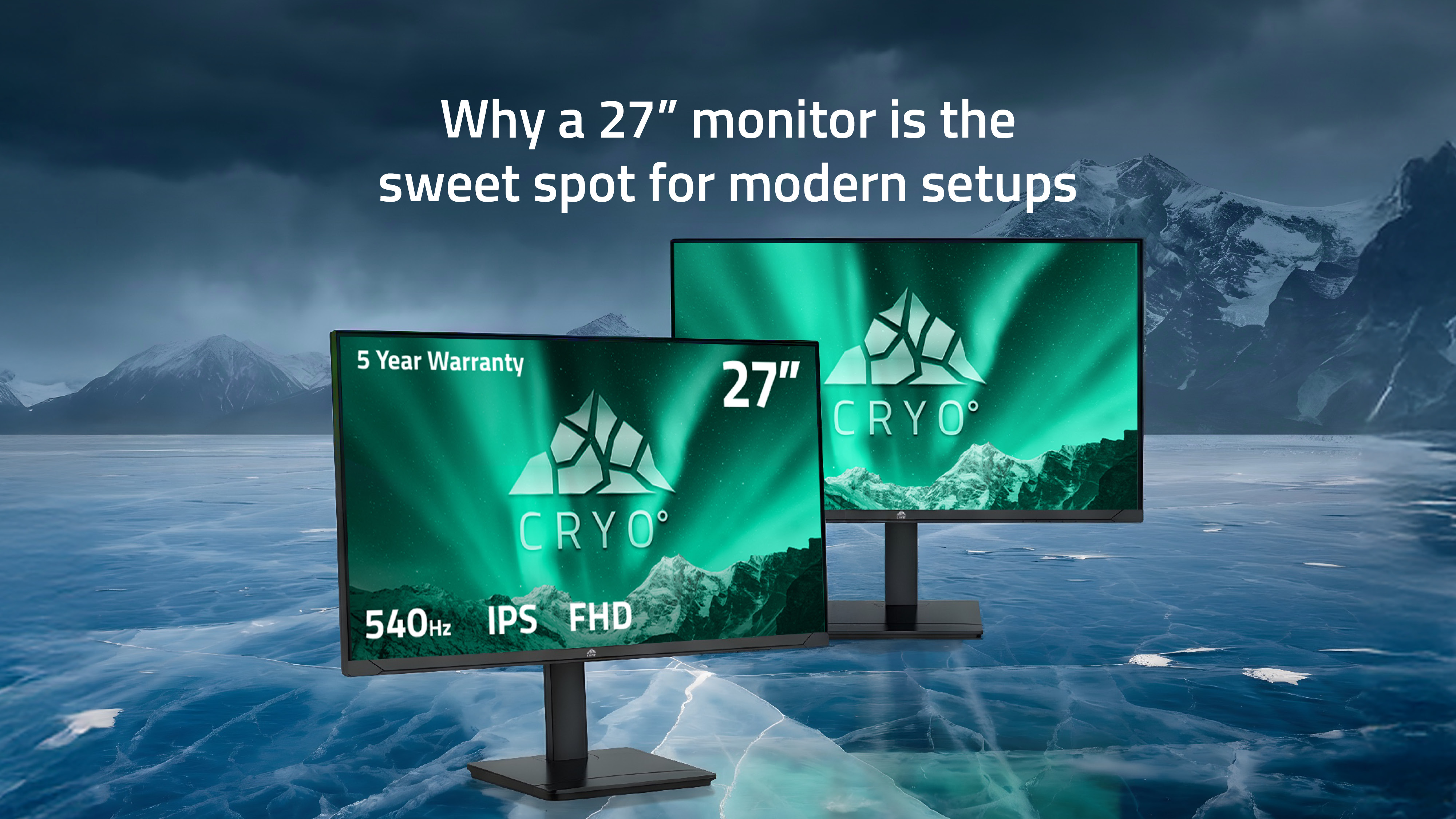
Screen size is a crucial part of picking the right gaming monitor, with it playing a key role in your overall gaming experience. And it’s never been more important to ensure there’s good cohesion between your monitor and your PC build, with visual demands constantly jumping with every new game release.
We know that your setup's purpose and function are as important as its specs, numbers, and marketing. When choosing a gaming monitor, it's vital to consider all aspects, and that's why a 27" display is the ideal choice for most modern gaming setups. It sits in the sweet spot for all your gaming needs.
Why monitor size matters today
The demands placed on a monitor have shifted as GPUs grow more and more capable with every new release. Displays need to deliver fluid motion and rapid response times, all while maintaining clarity and considering the comfort of the user during longer sessions.
Monitor size plays a core role in leading that balance, shaping how performance is ultimately perceived. If the display is too small, it will flatten details and limit your immersion, but then if one is too large, that can cause eye strain, difficulty focusing, or even eat up your desk space. When you choose the right size, clarity, comfort, and responsiveness come together instead of competing.
A 27" monitor sits deliberately in the middle, being large enough to showcase today’s performance gains, yet refined enough to remain comfortable, controlled, and practical across gaming, work, and everything in between.
The core advantages of a 27" monitor
Resolution balance
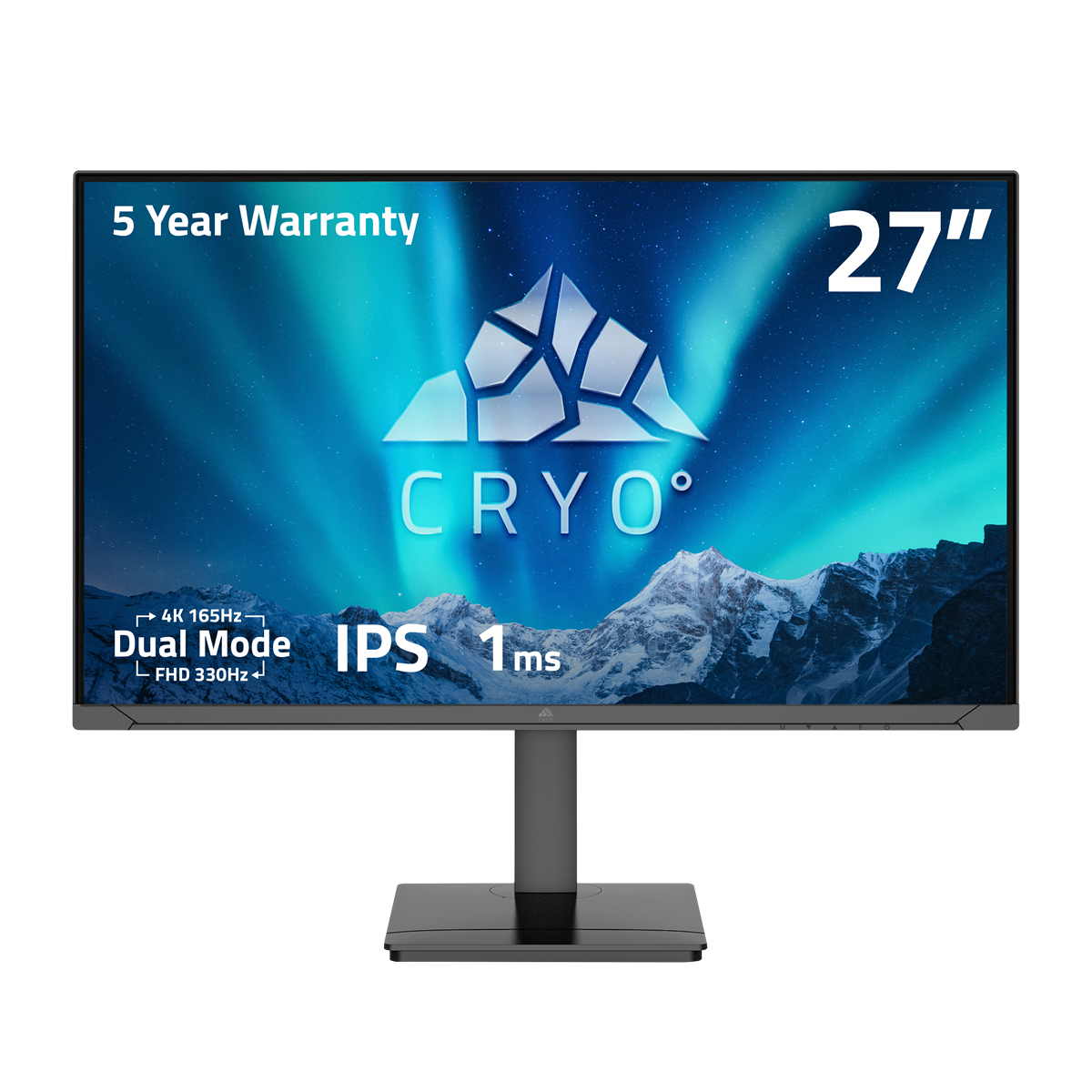
27” monitors sit in a comfortable middle ground in terms of requirements and specifications, making them the perfect choice for 1080p–1440p gaming.
For a long time, 1920 × 1080, or FHD (Full High Definition), has been the standard for monitor resolution when gaming. As games and monitors advance, however, 1440p has crept in as the modern standard for gaming, offering stunning visuals and high levels of detail without heavy system requirements.
At larger screen sizes, 1080p and 1440p resolutions spread fewer pixels across more space, reducing pixel density and softening fine details in favour of higher, more consistent frame rates.
At 27”, however, it sharpens edges, textures, and text while remaining less demanding, allowing for comfortable handling of 1080p–1440p gameplay, or even pushing to 4K resolutions if you have the hardware for it.
.png?width=1200&height=1200&scale=canvas)
Immersion Without Excess
Screen size has a direct impact on how much of a game sits comfortably within your field of view, and often, apart from gameplay of course, this is what will determine your level of immersion.
At 27 inches, the display fills your vision without requiring constant eye or head movement, keeping you focused and reducing eye strain for longer sessions. That balance is crucial during fast-paced gameplay, such as first-person shooters or competitive gameplay, where awareness and reaction time matter as much as visual detail.
Larger displays may push important on-screen elements into your peripheral vision, which may not be detrimental in an open-world RPG or racing sim, but it can be in a competitive setting as it forces you to scan rather than react.
A 27" monitor avoids this, delivering immersion that feels controlled rather than overwhelming. At a competitive level, the size means cleaner sightlines and more consistent tracking, whereas for single-player experiences, it allows environments to feel expansive without breaking concentration or comfort.
Desk Efficiency and Everyday Comfort
It's not just what's on the screen that you need to consider either; monitor size also shapes how comfortably your setup fits into everyday use. What good is a gaming rig if you can't use it to its maximum potential?
A 27" display takes up significantly less desk space than an ultrawide or oversized monitor, leaving room for peripherals, speakers, and proper viewing distance without compromise.
From an ergonomic perspective, a more compact viewing area reduces excessive neck movement and limits eye travel across the screen as well. Over long sessions, that consistency matters.
Whether you're gaming, working, or switching between the two, a 27" monitor remains easy to live with, adaptable, comfortable, and well-suited where focus and endurance are just as important as visual impact.

Performance Features That Matter at 27"
At 27 inches, the viewing experience is defined less by specifications and more by how key components work together for everyday use. These features have the greatest impact on clarity, responsiveness, and long-session comfort.
- Refresh rate and clarity
Higher refresh rates reduce motion blur and help fast movement remain clear and controlled, which is particularly valuable in competitive titles. - Response times and input latency
Faster response times minimise ghosting, while low input latency ensures actions feel immediate. Together, they maintain image sharpness without sacrificing responsiveness. - Panel technology
IPS panels offer consistent colours and viewing angles, while VA panels provide stronger contrast. At 27", both can perform well; the right choice depends on usage rather than raw superiority. - Adaptive sync and frame consistency
Adaptive sync technologies smooth out frame delivery, reducing tearing and stutter even when performance fluctuates.
Expert Insights: What People tend to Get Wrong
When choosing a monitor, people tend to focus on a single specification, usually resolution or refresh rate, without considering how size, panel quality, and ergonomics interact. Real-world testing consistently shows that balanced displays deliver better long-term comfort and consistency than spec-heavy options that ignore everyday usability.
Conclusion
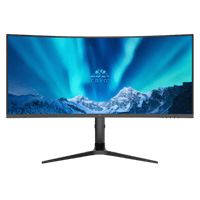
A 27" monitor's key perk is its balanced capabilities, delivering sharp visuals, smooth performance, and comfort for longer sessions without pushing hardware to the extreme. If you’re building a modern setup designed to perform consistently across gaming and everyday use, the Chillblast Cryo monitor range is built around this philosophy. Explore our range of Cryo monitors to find a display that complements your system, not just its specifications.

Forza Horizon 6: What Developer_Direct Revealed — And What It Means for PC Players
A new gameplay reveal for Forza Horizon 6 highlights its Japan-based open world, stunning visuals, and accessible design. The focus now shifts to how far Playground Games will push the series and how this will impact PC players.
New year, new me, new PC. What Chillblast PC is best for your degree?
Whether tackling assignments or gaming after hours, your workspace should work as hard as you do. We now offer exclusive deals for students. Check out our guide on where to start when it comes to shopping for a PC for yiour degree.
Discover how Kingston SSDs and DDR5 memory power Chillblast Spark Workstations for faster, smoother creative workflows.

Get Ready for The Outer Worlds 2: PC Requirements, Features and Chillblast’s Top Picks
Discover The Outer Worlds 2’s PC specs, new features, and the best Chillblast gaming PCs to explore Arcadia in stunning detail.